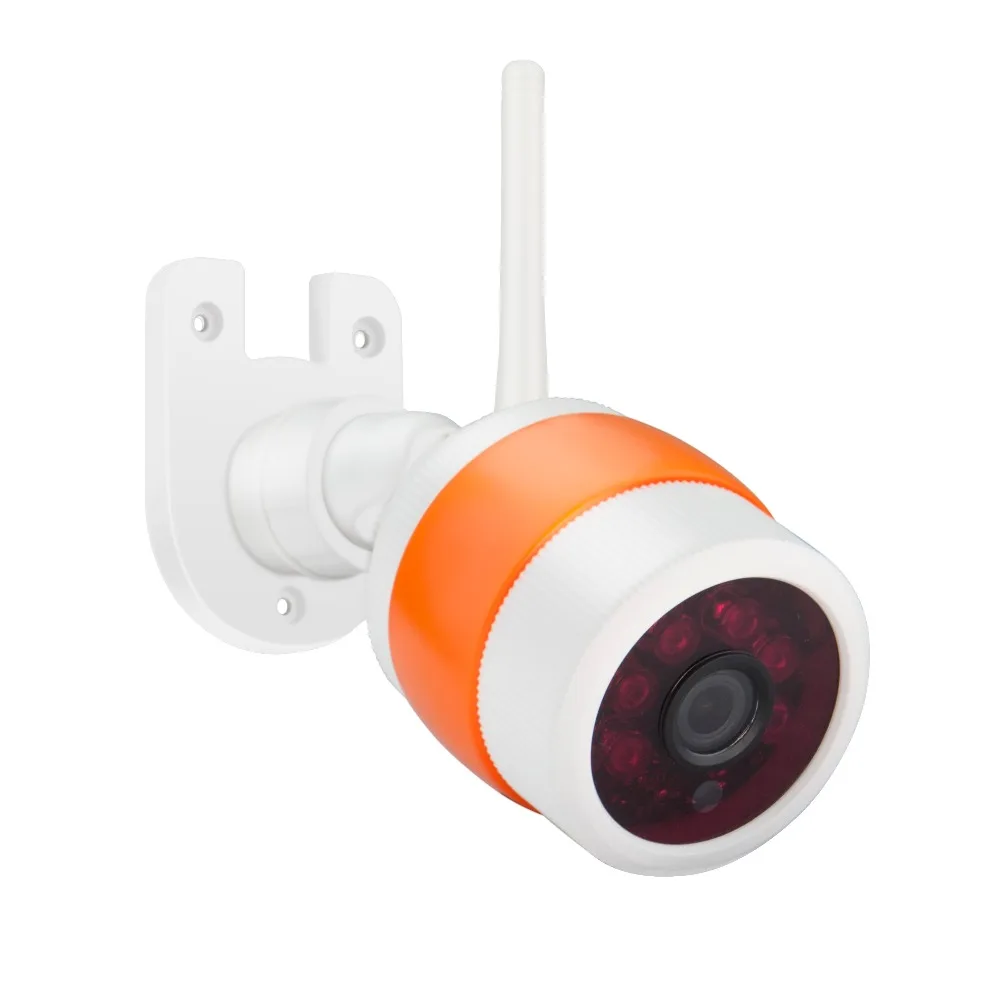
2 / 3mp e27 wifi камеры лампы ночное видение полноцветные панорамные автоматические
2 001,79 - 3 591,35 руб.


Новое поступление

Магазина MISECU Factory Store работает с 23.03.2013. его рейтинг составлет 90.25 баллов из 100. В избранное добавили 358020 покупателя. Средний рейтинг торваров продавца 4.6 в продаже представленно 191 наименований товаров, успешно доставлено 24961 заказов. 2317 покупателей оставили отзывы о продавце.
Характеристики
*Текущая стоимость уже могла изменится. Что бы узнать актуальную цену и проверить наличие товара, нажмите "Добавить в корзину"
| Месяц | Минимальная цена | Макс. стоимость | Цена |
|---|---|---|---|
| Mar-19-2026 | 0.56 руб. | 0.51 руб. | 0 руб. |
| Feb-19-2026 | 0.62 руб. | 0.86 руб. | 0 руб. |
| Jan-19-2026 | 0.31 руб. | 0.42 руб. | 0 руб. |
| Dec-19-2025 | 0.41 руб. | 0.93 руб. | 0 руб. |
| Nov-19-2025 | 0.49 руб. | 0.70 руб. | 0 руб. |
| Oct-19-2025 | 0.66 руб. | 0.40 руб. | 0 руб. |
| Sep-19-2025 | 0.29 руб. | 0.78 руб. | 0 руб. |
| Aug-19-2025 | 0.94 руб. | 0.11 руб. | 0 руб. |
| Jul-19-2025 | 0.44 руб. | 0.36 руб. | 0 руб. |
Описание товара

All Buyer Please kindly note :
There is three option:
Camera Features:
Supports Both Wi-Fi and Wired Mode !
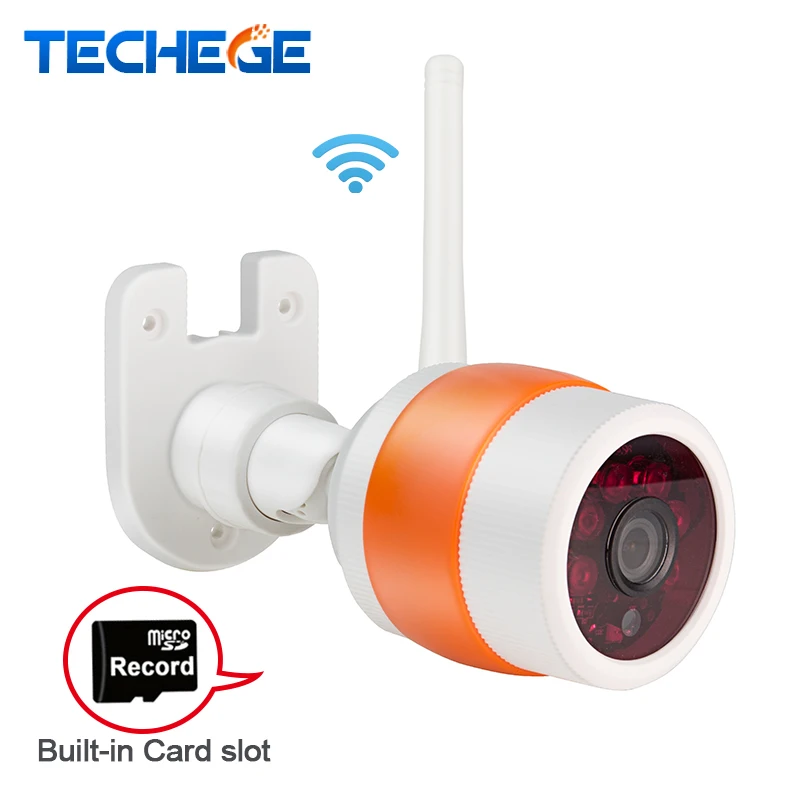
Support Micro SD card,up to 64Gb(but don't included);
Support ONVIF,can work with Third Party NVR .
Support for mobile video surveillance(iOS,android) : Yoosee
Support Motion Detection & Email Alert
Package included
1x User manual
NO SD Card or included 32GB or 64GB SD card optional, depend on your order of choose!/store/product/AC100V-240V-DC12V-1A-Output-Power-Adaptor-EU-AU-UK-US-Plug-3meters-Power-Adapter-Wall/420975_32819826759.html?spm=2114.12010612.0.0.mFjrnC
1.SD Card is NOT included
2.To install the Micro SD card,need to open the camera, find out the SD card slot on back of the camera board,
contact us for instruction if you have any problem to fix it.
3.This cameras NOT supports Website Interface such as IE ,Chrome
4.This cameras NOT supports cloud viewing and record
5.The recording time depends on the SD Card you install,check below recording time for reference :
16Gb : 4-5days 32Gb :8-10days 64Gb:18-20days


Onvif




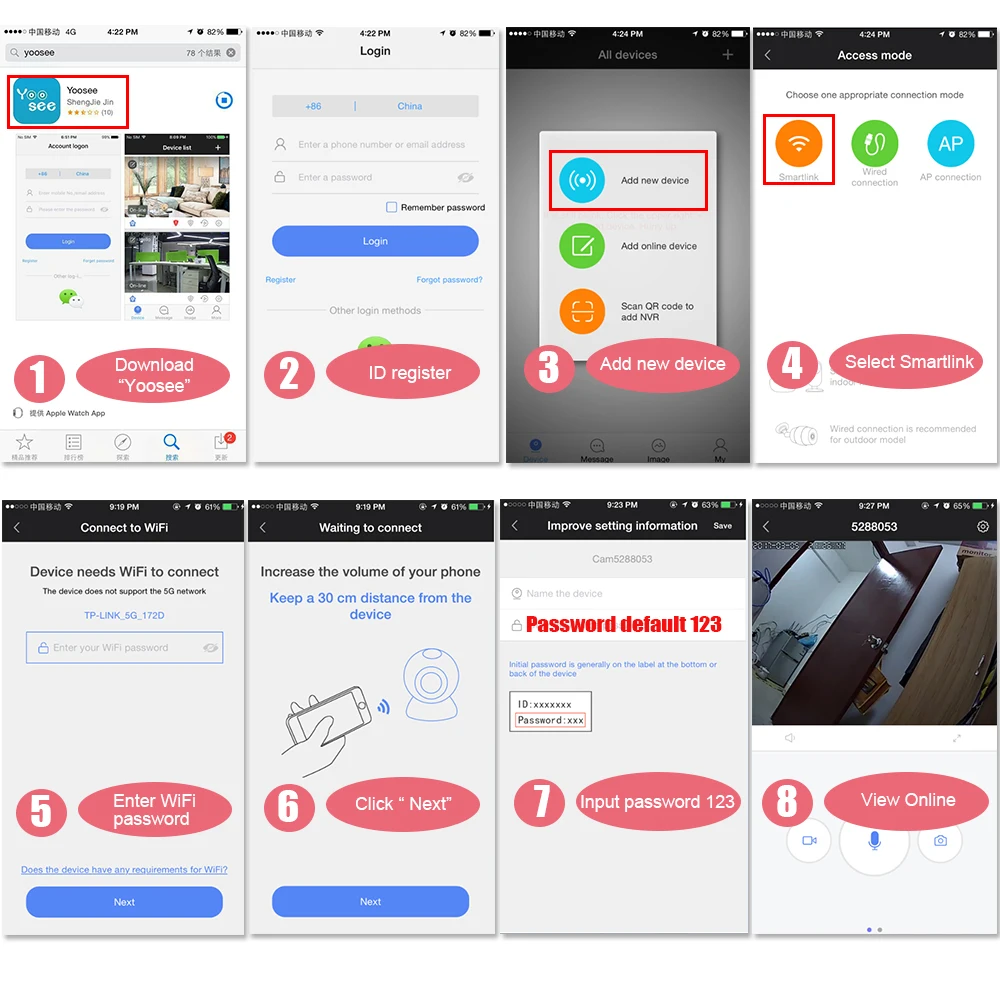
Simple 3-step,complete the installation in one minute
Please note: 5G Network WIFI Not Supported!!!!

3 ways to get "Yoosee" app
1),IOS user can download and install "Yoosee" in Apple official shop
2),Android user can enter website:" yoosee.co", download and install "Yoosee"
3),Also can input "yoosee.com" in the exploer to download it in PC, Android version and IOS version can scan the QR core to download the software directly, PC click CMS to download directly.
1),Setup in WiFi Mode: (At first setting, please put camera and phone near wifi Router)
1, Download Yoosee app 2, Register your account 3, Power on the camera, and set up camera near by your router, click "Add new device" 4, Select " Smartlink", 5, Connect to wifi, then enter your wifi password 6, Keep about 30seconds to connect wifi 7, A dd the camera ID and the password is 123, then the setting can be done. 8, View online
2), Setup in Wired Mode:
1, Once powered on the camera, connect the NET interface on the camera with the net interface of router (Make sure open the DHCP function of the Router). The NET indicator will be on once network connection done.
2, Open the APP “ Yoosee” , click the “+” at the top right corner, select “ Add new device- Wired connection” , it will discover new device, then choose new device and enter password 123, the setting could be done.

3), Setup in AP Hotspot Mode:

Support ONVIF,can work with Third Party NVR .

You may need

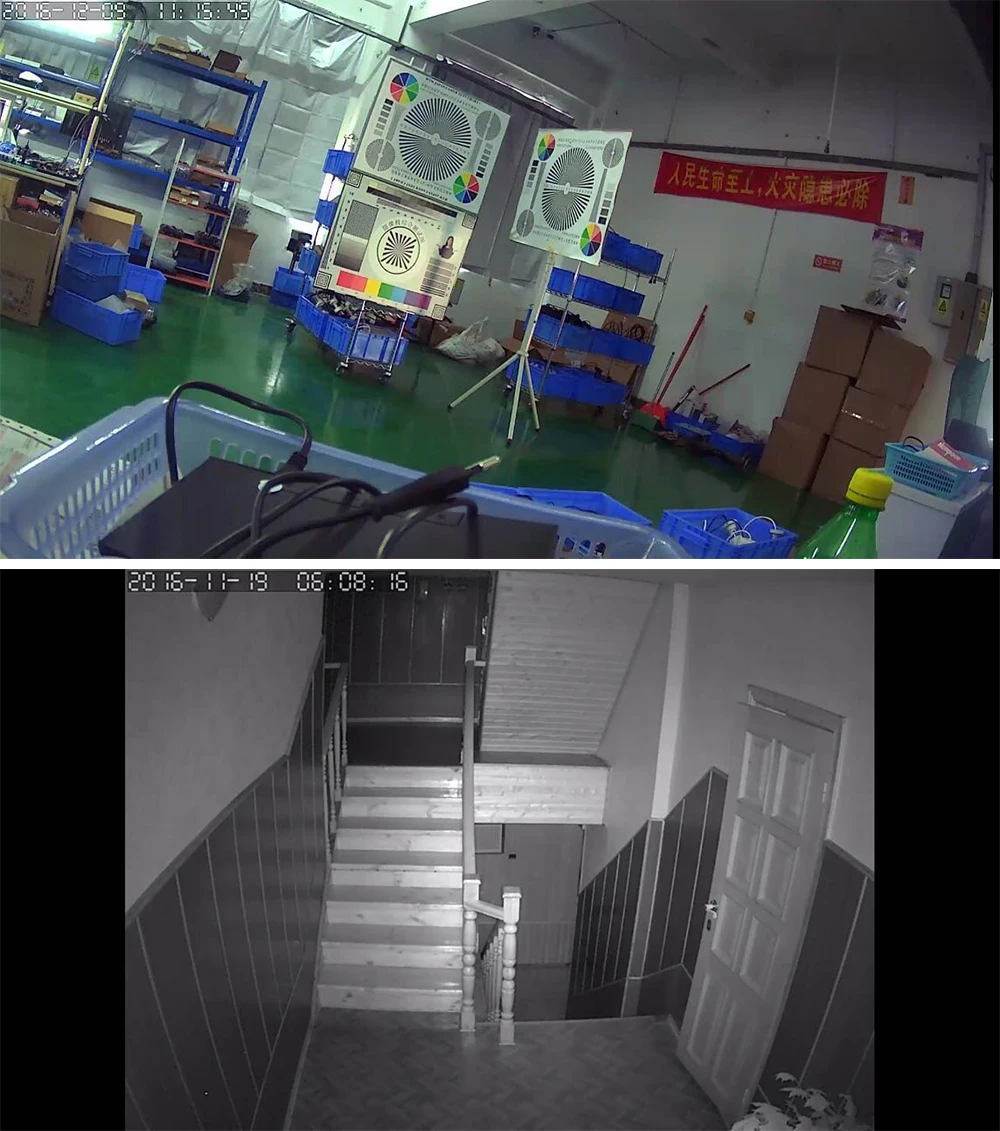
Live Demo from Valued Customers


Support Multi-user view online at the same time, up to 5-user


| Model | JW-IPC-Q5SW-13 | |
| Item | Bullet WIFI Camera | |
| Device Type | 1.3 Megapixel CMOS sensor | |
| Size | 1/3/ inch | |
| Effective Pixels | 1.3MP:1280*960 D1:640*480 CIF:320*240 | |
| B/W | Yes | |
| Min.Scene Illumination | Color | 0.5LUX(IR ON) |
| IR sensitivity | Yes | |
| IR-CUT | Yes | |
| Lens | Lens | 3.6mm only |
| System | operating system | Embedded LINUX Operating System |
| Day/Nigh | IR distance | 3-25M |
| Video | ||
| Functions | ||
| Motion Detection | Yes | |
| Video Conpression | Compression | H.264 |
| Picture Resolution | 1.3MP:1280*960 D1:640*480 | |
| CIF:320*240 | ||
| Recording Management | Video mode | Manual recording, motion detection recording, time recording, alarm recording |
| Recordings save | TF card | |
| Audio | Compression | G.711A |
| Audio Output | NO | |
| Audio Input | NO | |
| Network | Ethernet | Ethernet (10/100 Base-T),RJ-45 connector |
| Wireless LAN | IEEE802.11n Standard | |
| Alarm | Alarm triggered | alarm recording, capture, send Email |
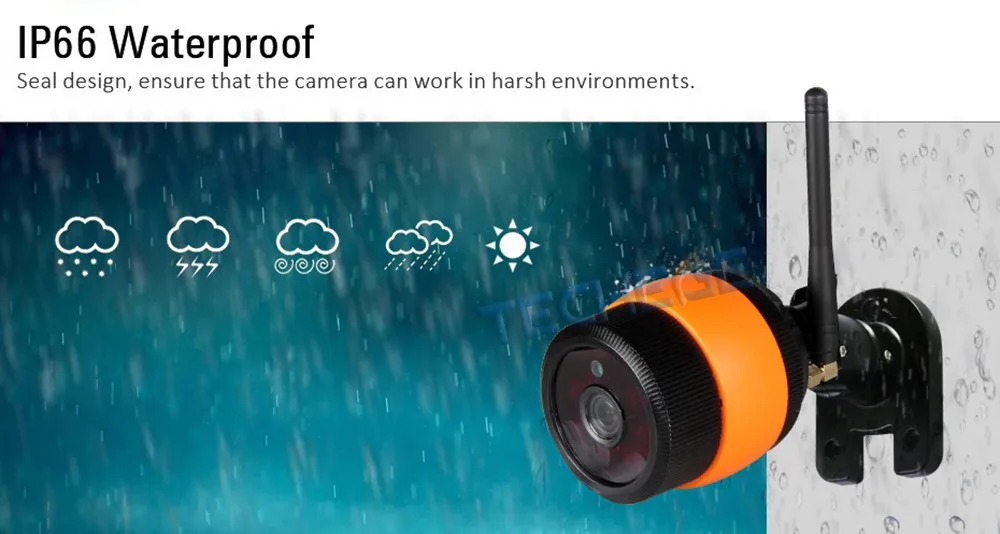
| Physical properties | Temperature | -20°C~+55°C |
| Humidity | 0%-90% | |
| Power Consumption | 6W-7W | |
CMS
1,Download software to PC
1) input download link in the PC explorer ,click the iconto download directly.
2,log account in PC
A,Use the ID( email/phone number/Yoosee account ID) that register in mobile phone to login directly, no need to register
again. The account is:admin password:00000000.
3,Computer terminal network connection (the same as mobile phone software operation three "
4,Add device to PC.
How to add device to the device list?In fact, there are many kinds of ways to achieve,specific methods, please refer to:1):In the left side of the "CMS" software interface, click the button, click ok:
5,Device monitor in PC.
Open CMS software,click device name,start monitor,as the following picture:
CMS
|
========================About US====================================
Techege brand products are sold far to Europe, America, Southeast Asia and other countries of the world. High quality, Good price, Delivery on time and sincere service are our value and promises to our customer.
|
Смотрите так же другие товары: